A Microsoft Authenticator alternative that moves between iPhone and Android
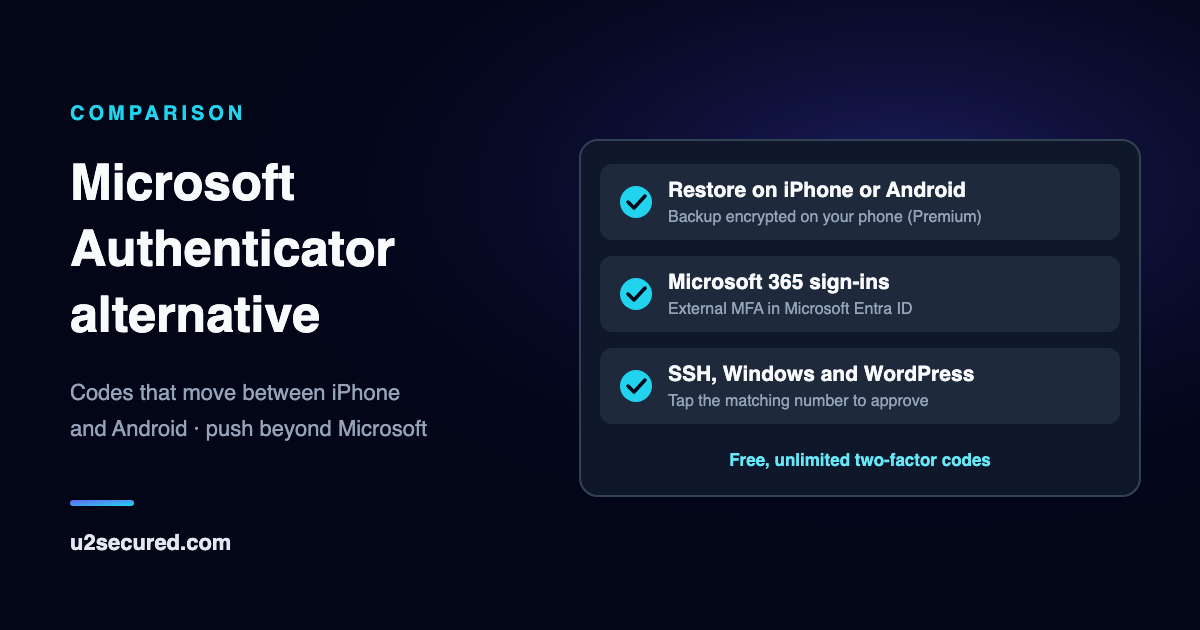
U2 Secured Authenticator gives you free, unlimited two-factor codes for any site that offers an authenticator app. Its Premium backup is encrypted on your phone and restores on an iPhone or an Android phone, whichever you move to.
At work, the same app can approve Microsoft 365 sign-ins through Microsoft Entra ID, and SSH, Windows and WordPress sign-ins too. Microsoft’s side of the comparison below is read from Microsoft’s own pages and dated.
Where U2 Secured is different
Switch phones in either direction
With Premium, your backup restores on an iPhone or an Android phone. Moving from iPhone to Android, or back, keeps every code.
A backup only you can open
Your codes are encrypted on your phone before they are uploaded. We store only ciphertext and never hold the key: it is locked by your password and, separately, by a recovery key only you have.
Codes in your browser
With Premium, the web portal shows your live codes on any computer, read-only and decrypted in your browser.
Your codes on one phone
There is one copy in use, on one phone. Moving to a new phone retires the old one and erases its copy, and if someone else restores your account, your phone tells you.
Tap to approve beyond Microsoft
On services built on U2 Secured, signing in sends a prompt to your phone: pick the matching number and confirm with Face ID or your fingerprint. That covers Linux servers, Windows local accounts, WordPress sites and your own apps.
Lock and hide your codes
Free on every plan: the app locks with Face ID or your fingerprint, auto-locks as soon as you leave it if you choose, and can hide codes until you tap one.
Side by side
Every Microsoft entry is read from Microsoft’s own pages; the link on each row goes to it, dated the day it was read.
Microsoft Authenticator alternative for Microsoft 365
U2 Secured is an external authentication method in Microsoft Entra ID. When a Conditional Access policy asks for MFA, staff can choose U2 Secured, match the number shown on screen and approve, or type a one-time code from the app when the phone has no signal. It needs Entra ID P1, which Microsoft 365 Business Premium includes.
Adding it does not take Microsoft Authenticator away, so you can pilot it with one group. The reason to choose it is one approval app across more of what you run: Microsoft 365, Linux servers over SSH and sudo, Windows local accounts and Remote Desktop, WordPress and your own software, with one sign-in log.
Business plans are a flat monthly price per account, not per user. The free plan is enough for a pilot, and Growth at $99 a month covers 25,000 active users.
Moving from Microsoft Authenticator
Microsoft Authenticator has no export, so each account moves by its own QR code. Keep the old app until the last step, so you always have working codes.
- 1
Install U2 Secured Authenticator
Free on the App Store and Google Play.
- 2
Add each account from its own site
Sign in to the account, open its two-factor or security settings, and add a new authenticator app. Scan the QR code it shows with U2 Secured.
- 3
Check, then tidy up
Sign in once with a code from U2 Secured. When it works, remove the old authenticator from that account and from Microsoft Authenticator.
- 4
Turn on the backup
With Premium, back up your codes so a new phone, iPhone or Android, gets them all back.
What U2 Secured costs
Two-factor codes are free and unlimited. Premium adds the encrypted backup.
| Plan | Price | Includes |
|---|---|---|
| Free | Free | Unlimited two-factor codes, tap-to-approve sign-ins, Face ID or fingerprint lock, and codes that work with no signal. |
| Premium | $14.99/year | End-to-end encrypted backup, moving to a new phone, and live codes in your browser through the web portal. |
Codes are free and unlimited on both plans. Premium is an annual subscription bought through the App Store or Google Play.
Compare all plansQuestions people ask when switching
- Can I move my Microsoft Authenticator codes to another phone type?
- Microsoft says its backup restores only on the same device type, so an iPhone backup cannot go to Android. U2 Secured’s Premium backup restores on either.
- Can I import my codes from Microsoft Authenticator?
- Microsoft Authenticator has no export, so no app can import from it. Add each account to U2 Secured from that site’s own two-factor settings; it takes a minute per account.
- Is U2 Secured Authenticator free?
- Yes. Codes are free and unlimited. Premium, at $14.99/year, adds the end-to-end encrypted backup, moving to a new phone and codes in your browser.
- Can my company use U2 Secured instead of Microsoft Authenticator for Microsoft 365?
- Your IT team can add U2 Secured to Microsoft Entra ID as an external authentication method and require it with Conditional Access, alongside Microsoft Authenticator. It needs Entra ID P1.
Sources for the Microsoft side
Every Microsoft entry above was read from Microsoft’s own pages on the date shown. Microsoft updates its apps from time to time; its pages are the authority if anything here has changed.
- Microsoft — Back up account credentials in Microsoft Authenticator · read 2026-11-17
- Microsoft Learn — Microsoft Authenticator authentication method · read 2026-11-17
- Microsoft Learn — Sign in to a Linux VM in Azure with Microsoft Entra ID and OpenSSH · read 2026-11-17