Your vault, in your pocket.
The Password Vault app keeps every secret with you — unlocked by Face ID or your fingerprint, and readable even with no signal. Your keys are derived on the device and never sent to us.


Free on both stores · iOS 15.1+ and Android
How it works
Install
Free from the App Store or Google Play. Nothing about your account changes.
Sign in once
Your master password derives the key on the device — it is never sent to us.
Unlock with a look
After the first sign-in, Face ID or your fingerprint reopens the vault.
A look inside
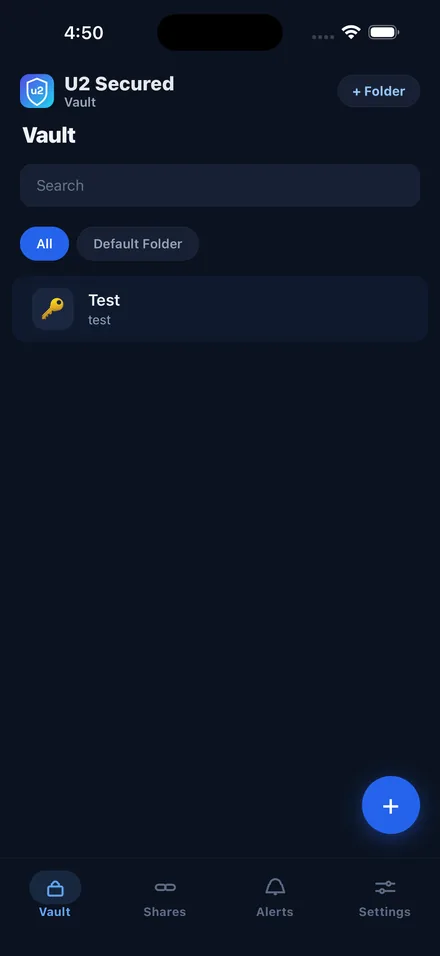
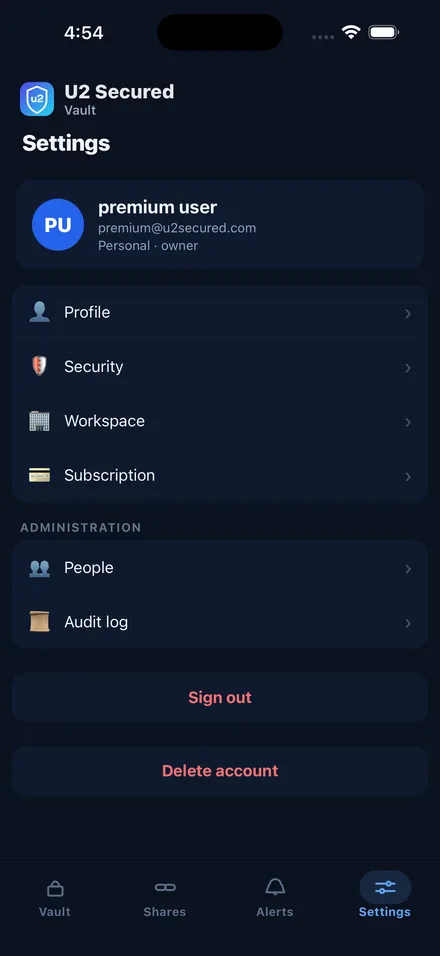
What you get
Biometric unlock
Face ID or your fingerprint reopens the vault — the key is held in the device keychain.
Works offline
An encrypted copy of your vault lives on the device, so it opens without a signal.
Same encryption
Argon2id runs natively on the device and each item is sealed with AES-256-GCM.
Folders and search
The same folders as the web vault, with search across every item.
Breach alerts
A saved password found in a known breach is flagged on the item and in Alerts.
Alerts
Notifications for breaches, expiring items and account activity.
Security model
- Your master password and keys never leave the device — Argon2id runs natively on your phone
- The offline copy of your vault is stored encrypted and opens only with your biometrics or master password
- The server holds the same ciphertext it holds for the web vault, and can decrypt none of it
Questions before you install?
Our support team is happy to help you get set up on your phone.